Yes, you can run command prompt from a particular drive without writing any command in command prompt. Follow these easiest steps:
- Open the drive in File Explorer where you want to run your command prompt from. For example, You want to run it from C Drive. Open “Local Disc (C:)” in File Explorer and type “cmd” in Search bar as shown below and hit the “Enter” key

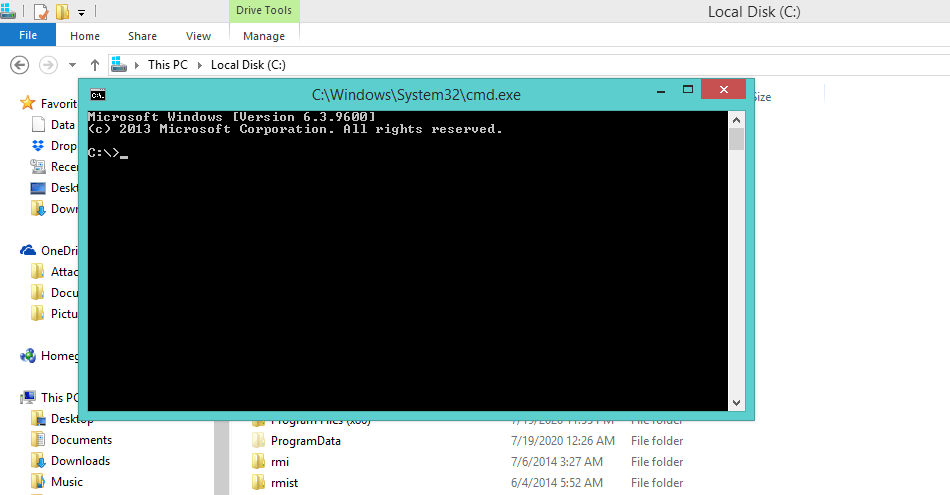
2. You’ll get this:
Enjoy 🙂
 Bug Fixes & Coding Solutions
Leave a comment