Just type % appdata% in the search bar of your windows explorer and hit Enter
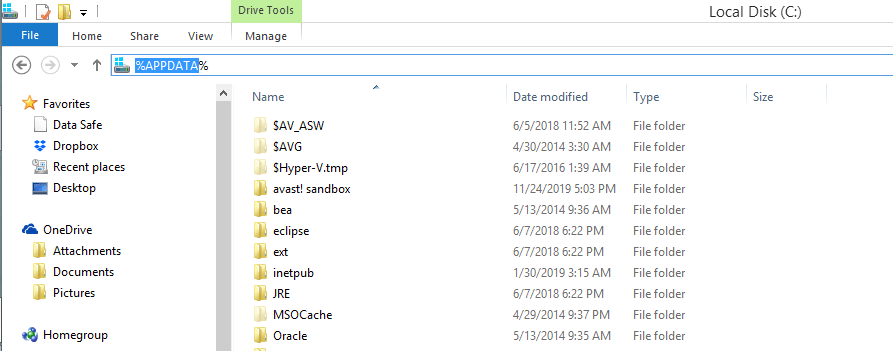
You will automatically get to roaming folder which actually resides in the hidden folder AppData like this:
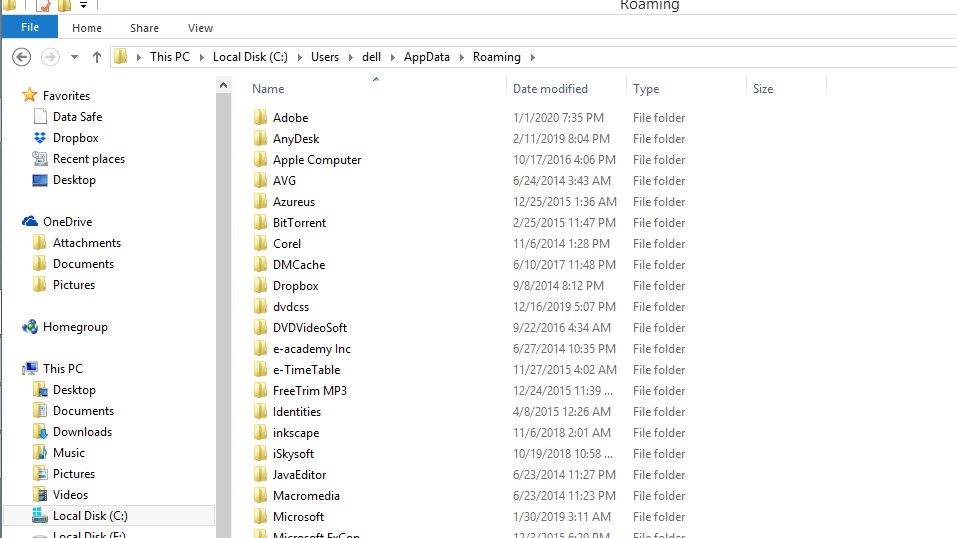
Next question in your mind would certainly be “What does roaming path actually contain?” the answer is simple. Roaming is a location where programs on your computer store data that is specific to your user account. This is a hidden folder and resides within your user account home folder
 Bug Fixes & Coding Solutions
Leave a comment